From your heart to their nest, in ten steps.
Every note is sealed on its way and opened with a tap, so the words feel like they arrived in an envelope.
TenderNest
A shared space, not a chat thread.
A nest is the shared space between you and a connection — where every note, photo, and voice message you send each other is kept. Notes go in, and are opened one at a time whenever the recipient chooses — a small surprise, saved for exactly the right moment.

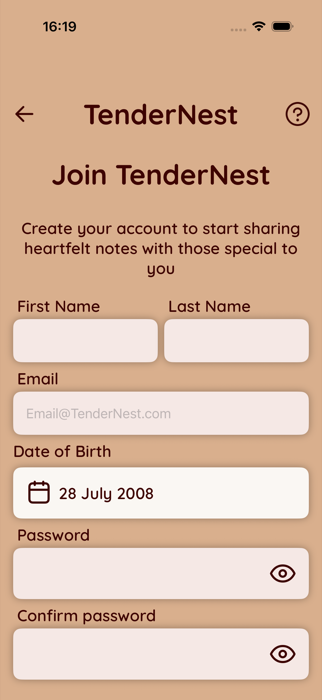
Sign up and verify your email.
Sign up with your email and a few basic details, confirm that you're 13 or older, then verify your email address before you can start connecting and sending notes. If you're under 18, you'll also need your parent or guardian's permission. See our FAQ for more about age confirmation.
Connecting With People
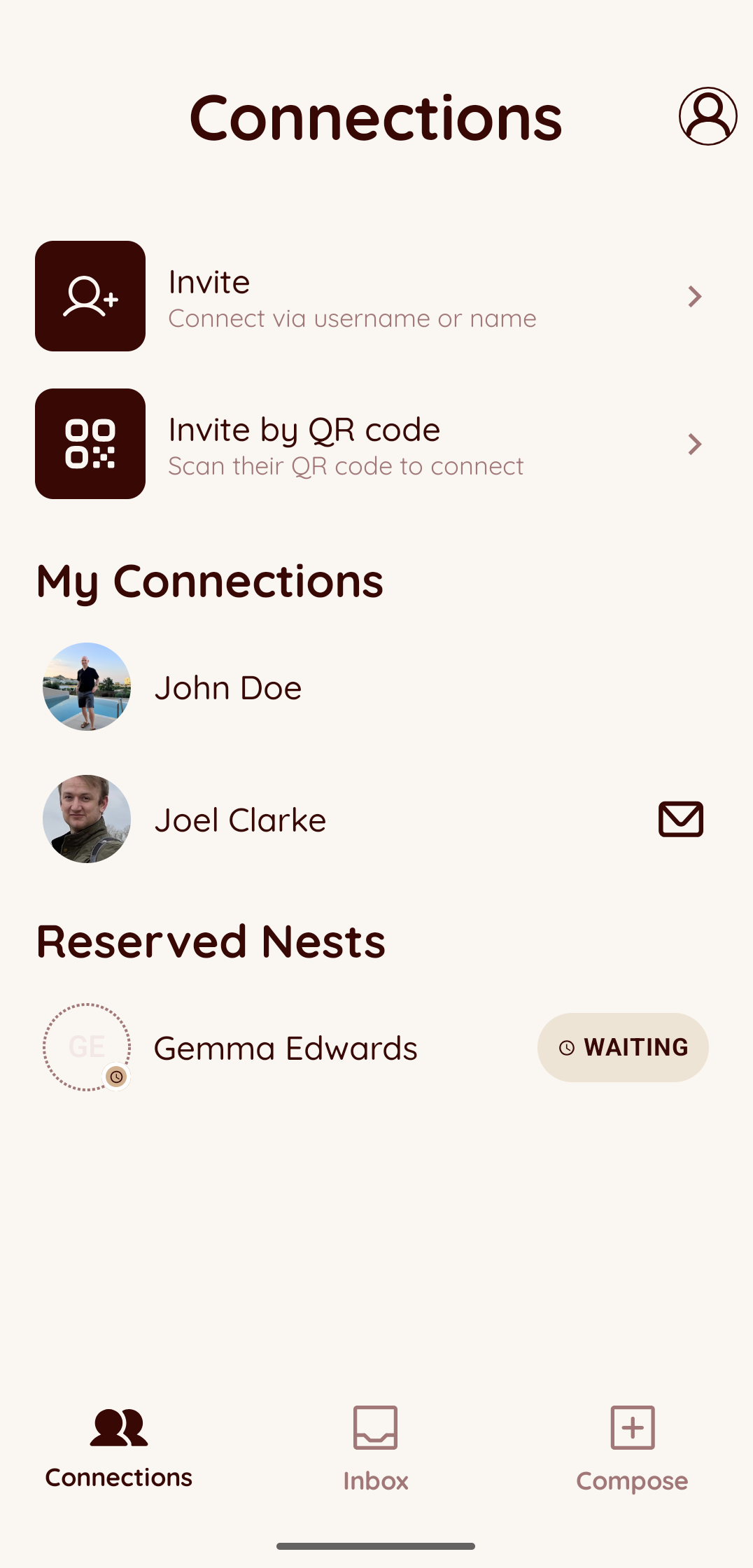
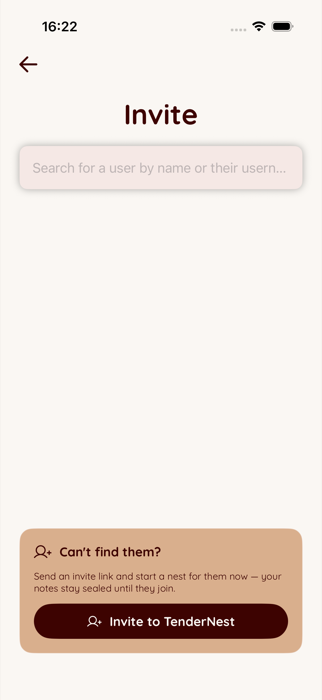
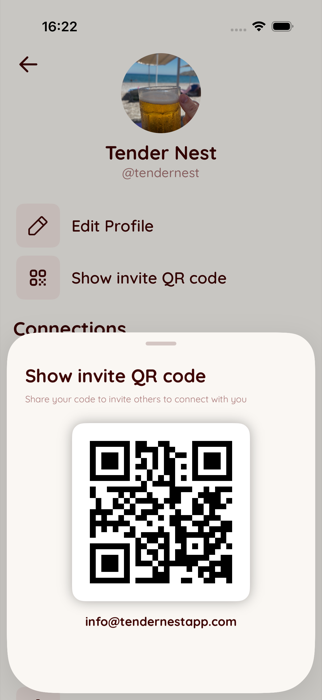
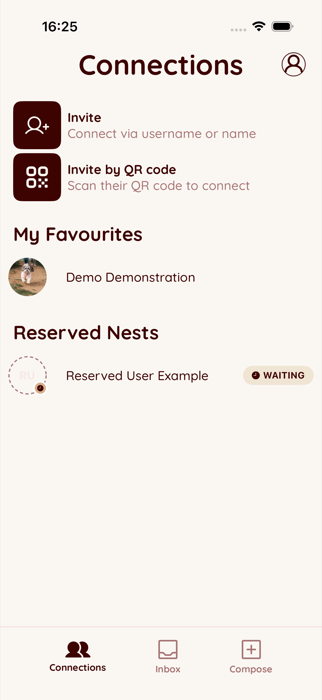
Search for someone by name or email, scan a QR code together in person, or invite a friend who isn't on TenderNest yet — you can start leaving them notes right away, sealed until they join.
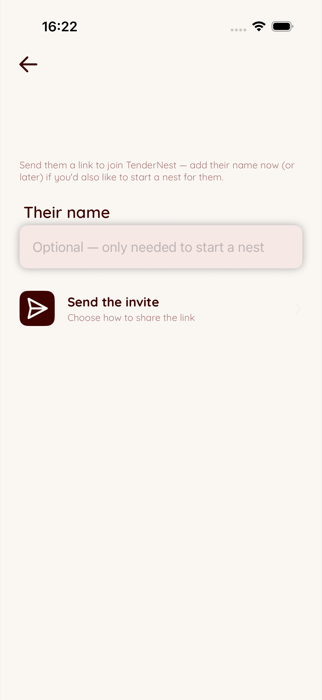
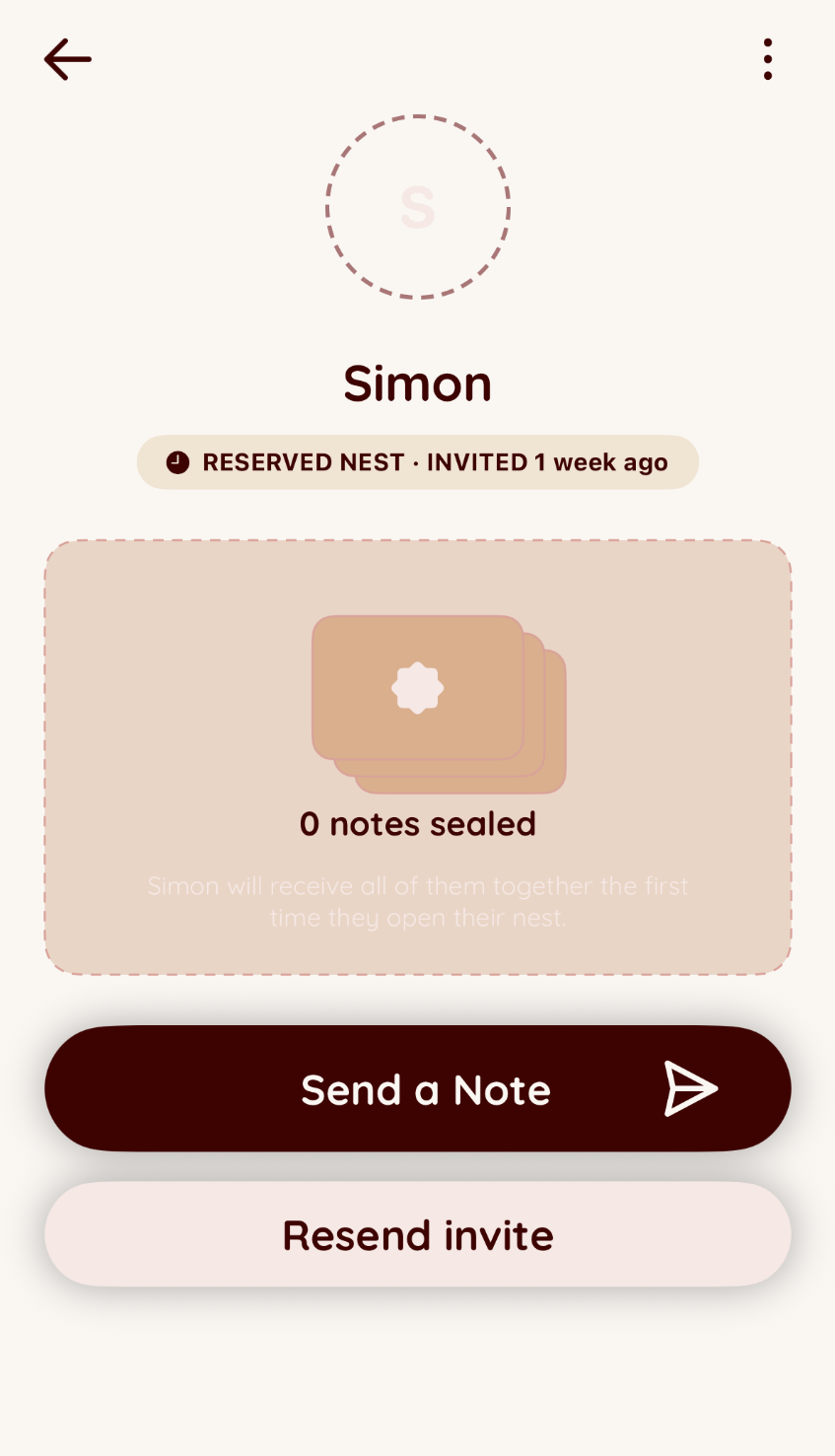
Start writing before they join.
Invited someone who isn't on TenderNest yet? Their nest is reserved and waiting. Keep sending notes in the meantime — they stay sealed until the first time your friend opens their nest.
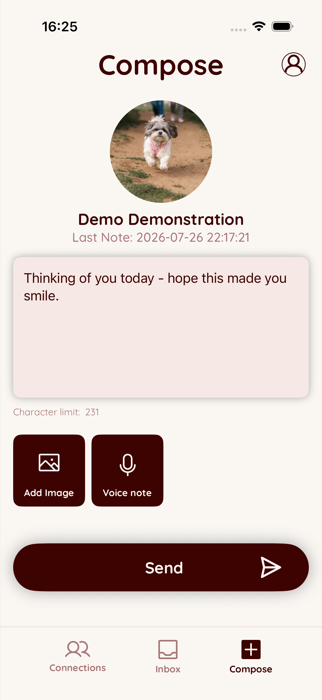
Write, snap, or record a note.
Write a heartfelt message, attach a photo, or record a voice note — whatever says it best. Send it into your connection's nest, and it'll be waiting there for them to discover.
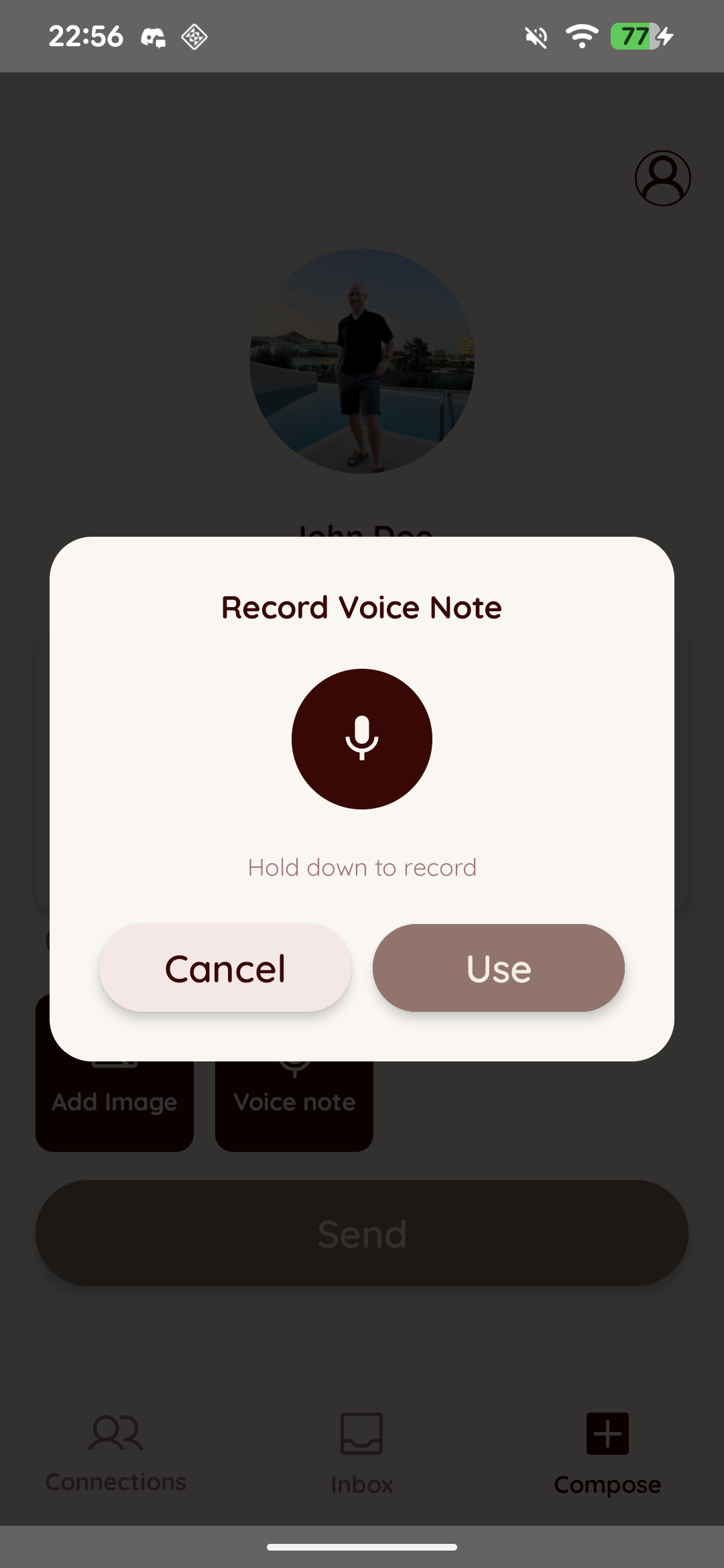
Say it in your own voice.
Hold to record, listen back, then attach it to your note before sending — sometimes hearing a voice says more than words on a screen.
Tap to reveal, chosen at random.
When you're ready, open your nest and reveal a note. You don't get to pick which one — it's chosen at random, so every reveal is a little surprise, saved for whenever you need it most.
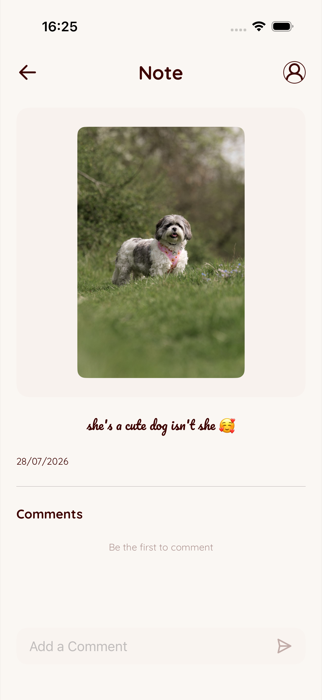
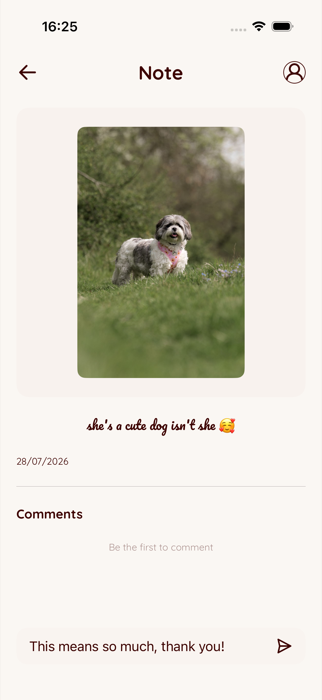
Leave a comment.
After opening a note, leave a comment on it — a simple way to say thank you or react to what someone shared, without needing to start a whole new note of your own.
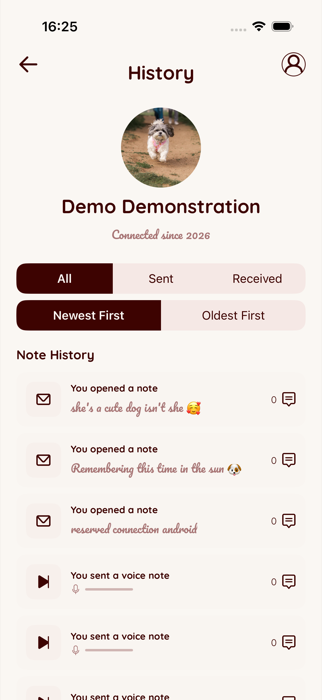
Every word, kept in History.
Every connection keeps a full History of the notes you've sent and received, so nothing is ever truly gone once it's been opened. Filter by sent or received, and sort by newest or oldest first.
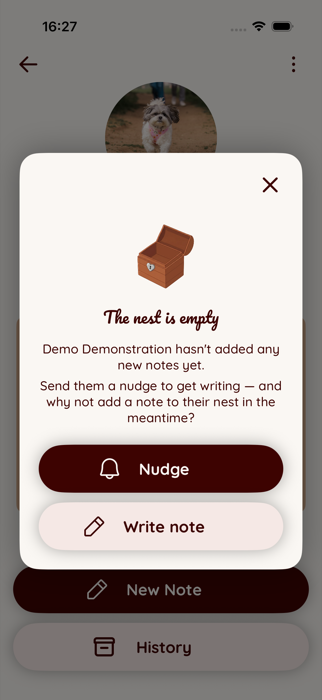
A gentle reminder, not a message.
Feeling like your nest could use something new? Send a nudge — a gentle notification letting your connection know you'd love to hear from them.
Favourite the people you nest with most.
Mark the people you nest with most as favourites, so they always stand out at the top of your Connections list.
Ready to start your own nest?
Download the app when it launches and leave the first note
Not available yet — notify me when it launches
Have more questions? Check our FAQ.